 indiely
Capsule Art · FIELD NOTES
How to A/B Test Your Steam Capsule Before It Goes Live
How to A/B test a Steam capsule before uploading it, how to read the results honestly and how to confirm performance with Steam traffic data.
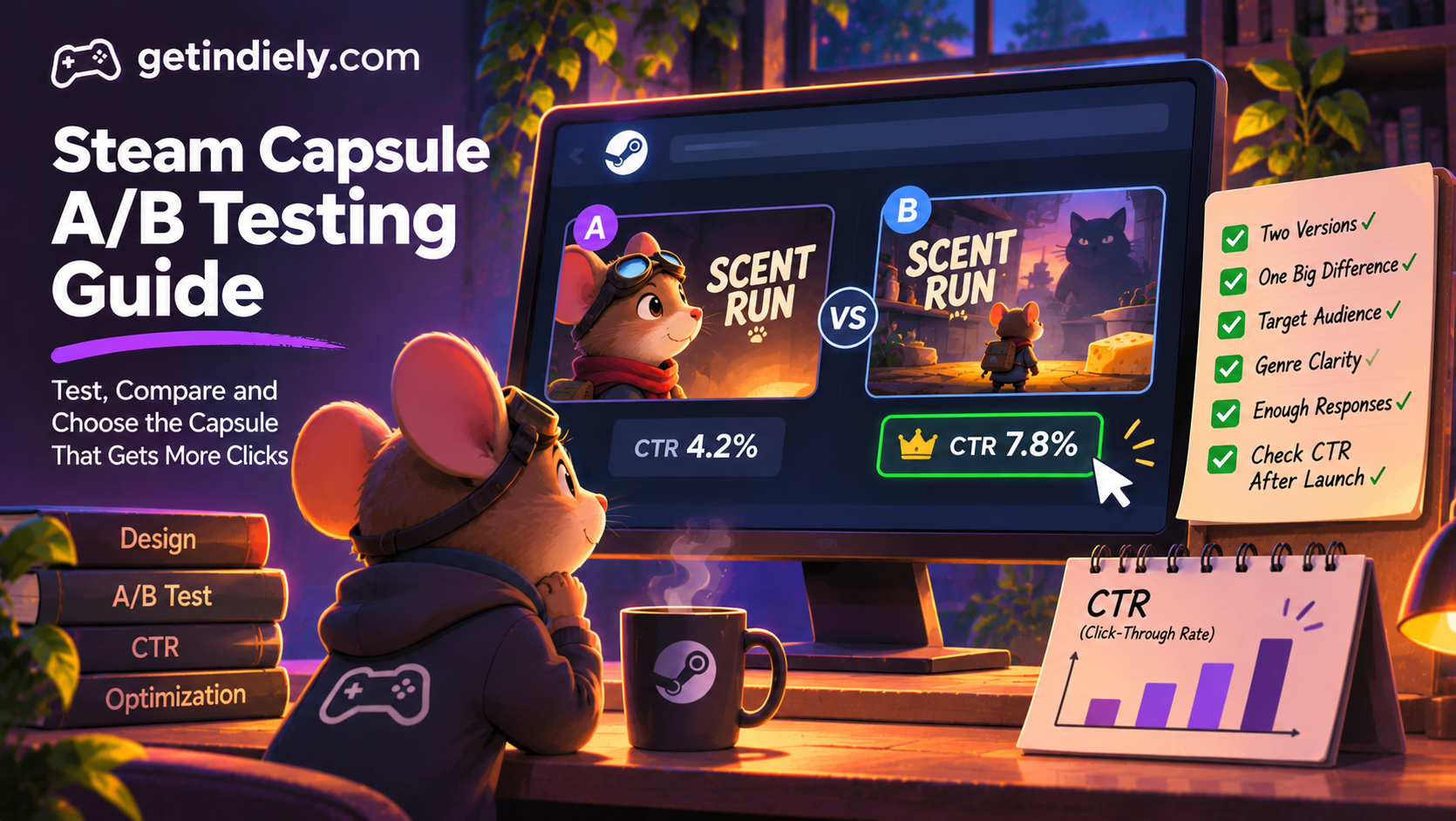
You have two capsule designs and a strong opinion about which is better. So does your artist, and they disagree. Most capsule debates are settled by whoever argues longest. A simple A/B test settles them with evidence instead: show both versions to people who match your audience, and see which one they'd click.
This guide explains how to A/B test a Steam capsule before it goes live, how to read the results honestly and how to check performance after you upload it.
Why test your capsule before uploading
Your capsule appears in search results, lists, sales and recommendation rows, often small and next to competing games. Our guide to optimizing your Steam capsule covers the design side. Testing answers a different question: of the designs you have, which one actually earns the click?
What makes a fair capsule test
- Test one big difference. Character close-up vs wide scene, light vs dark palette, logo top vs bottom. Two nearly identical capsules won't produce a clear result.
- Show them in context. Display each capsule small, on a dark background, next to games from your genre, the way players see them on Steam.
- Ask the right people. Players of your genre who haven't seen your game. Friends and followers already know it.
- Ask a forced choice, then why. "Which would you click?" followed by "What genre do you think this is?" tells you both preference and clarity.
- Get enough answers. A handful of votes can flip by chance. Aim for dozens, and treat a narrow result as a tie.
Running the test step by step
- Prepare two finished capsules at the same size and quality. Unfinished art loses to finished art regardless of the idea.
- Check both against Valve's rules: game artwork, the title and any official subtitle only, with no review scores, awards or calls to action on base capsules (Valve: graphical asset rules).
- Create a blind test. Show the versions in random order without labels like "new" or "old."
- Share it with your target players: genre communities, Discord servers that allow it, or playtesters who haven't seen the art.
- Read the reasons, not just the votes. Comments like "I thought it was a horror game" are worth more than a percentage.
Reading the results honestly
| Result | What to do |
|---|---|
| One version wins clearly, and people identify the genre correctly | Use it |
| One version wins, but people misread the genre | Fix the genre signal before using it; a click from the wrong player doesn't help |
| Close result | Treat it as a tie; pick the version that fits your brand, or test a bolder variation |
| Both lose to a competitor's capsule in the same view | Go back to design: contrast, logo size and focal point |
After upload: check with Steam's traffic data
Once your capsule is live, Steam's traffic report shows impressions, visits and click-through rate by placement. Valve's traffic reporting documentation defines click-through rate as "the percentage of impressions that result in visits to the store page." Compare each placement with its own history rather than with an outside benchmark, and remember that a new placement, sale or festival changes the mix of impressions. Our guide to reading the Steamworks traffic report explains this in detail.
When to re-test
- Before you post your Coming Soon page.
- Before Steam Next Fest or a major festival.
- Before launch, especially if your art has improved since the page went live.
- When the traffic report shows a weak click-through rate on a high-impression placement.
Capsule A/B testing checklist
- Two finished capsules with one clear difference.
- Both comply with Valve's capsule rules.
- Shown blind, small, in context with competitors.
- Tested on genre players who haven't seen your game.
- Genre question asked, not just preference.
- Results confirmed with traffic data after upload.
Steam capsule A/B testing FAQ
Can I A/B test capsules on Steam itself?
Valve's documentation doesn't describe a built-in capsule A/B test. Most developers test designs with players before uploading, then check the traffic report afterwards.
How many votes does a capsule test need?
There's no fixed number, but a handful of votes can flip by chance. Collect dozens of answers from genre players and treat narrow results as a tie.
What should I ask in a capsule test?
Which version they'd click, and what genre they think the game is. The second question shows whether the capsule attracts the right players.
How do I know if my live capsule is working?
Check click-through rate by placement in your Steamworks traffic report, comparing each placement with its own history.
Sources
More from the Journal
Steam Localization: Which Languages to Add and How to Localize Your Page
Why localization matters on Steam, how language support is decided, how to localize your store page and how to choose which languages to add first.
Read the article
Steam Screenshots: Requirements, Order and What Makes Them Work
Valve screenshot requirements, the all-ages flag most developers miss, and a practical way to choose and order the screenshots on your Steam page.
Read the article
How to Make a Steam Trailer That Works in the First 10 Seconds
Valve trailer specs, why your first two trailers matter, what to show in the first 10 seconds and the upload mistakes that can delay your launch.
Read the article