 indiely
Store Page · FIELD NOTES
Steam Screenshots: Requirements, Order and What Makes Them Work
Valve screenshot requirements, the all-ages flag most developers miss, and a practical way to choose and order the screenshots on your Steam page.
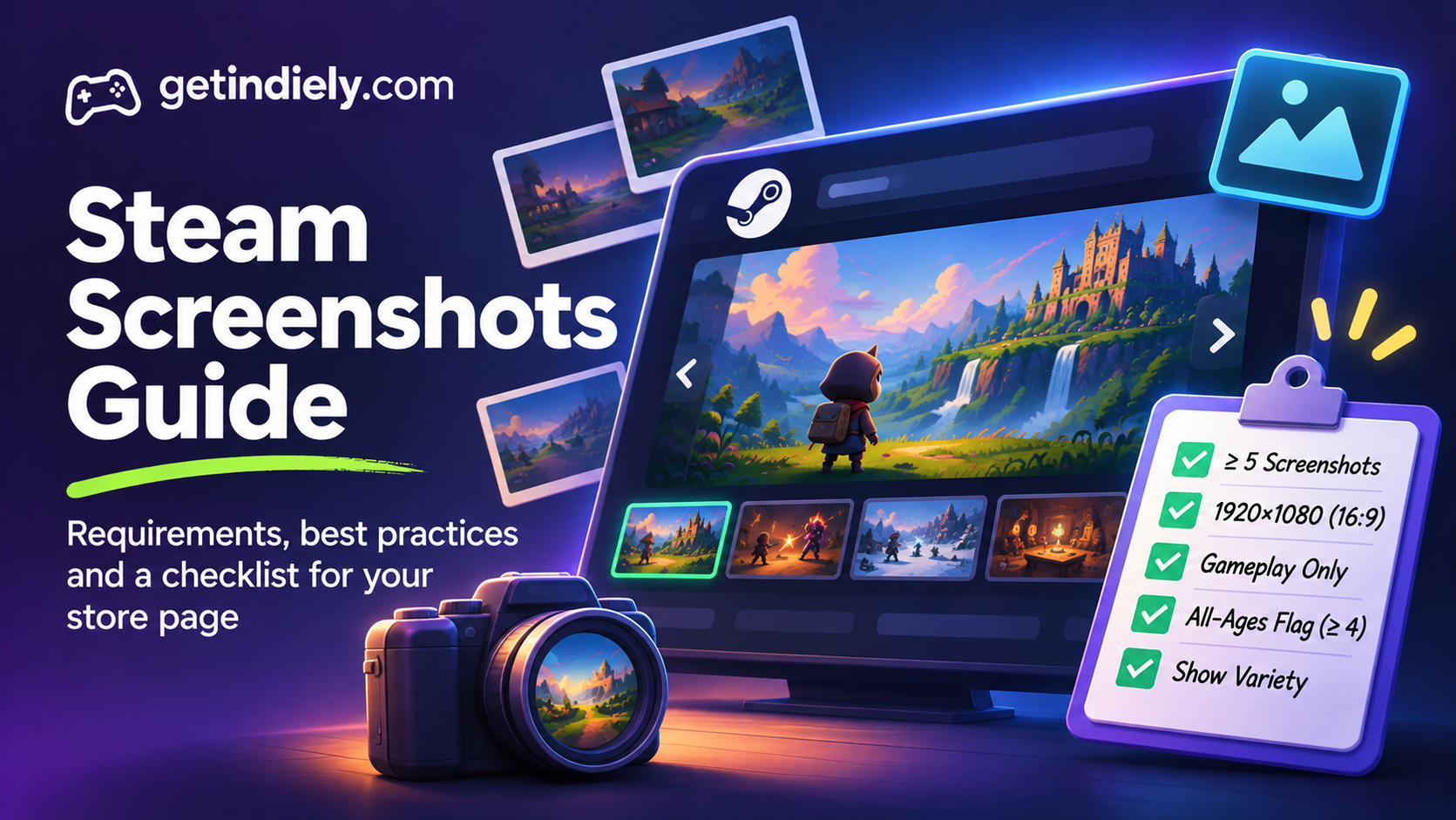
Screenshots do a lot of quiet work on Steam. They fill the media carousel on your store page, they appear in other places where Steam features your game, and for many visitors they answer the most important question faster than any text: what does playing this game actually look like?
This guide covers Valve's screenshot requirements, the rules reviewers check, a practical way to choose and order your screenshots, and a checklist to run before you submit your store page.
Steam screenshot requirements at a glance
These come from Valve's store graphical assets documentation:
| Requirement | What Valve says |
|---|---|
| Minimum number | "You must provide at least 5 screenshots of your product." |
| Size and ratio | "1920x1080 minimum. 16:9 aspect ratio", in "high-res, widescreen format" |
| Content | Screenshots "should exclusively show the gameplay of your game" |
| Not allowed | Concept art, pre-rendered cinematic stills, and images showing awards, marketing copy or written descriptions |
| Menus | Only if "they are a unique component of your game" |
| In-game UI | Allowed, and "can be helpful for players to understand how they will be interacting with your game" |
| All-ages flag | Mark at least four screenshots as suitable for all ages, or your game may not show in some areas of Steam, including the front page |
The free Steam screenshot checker checks dimensions and aspect ratio in your browser, without uploading your images.
Don't skip the "suitable for all ages" flag
This is the screenshot rule most developers miss. Valve says screenshots are not marked as suitable for all ages by default. Before publishing, review them and mark at least four. Screenshots marked this way should not contain gore, violence or suggestive themes.
If you don't, Valve warns your screenshots "may not show on some areas in steam including on the front page", and your game may not appear in those places. For a darker game, this is a reason to deliberately capture a few calm moments, such as exploration, building or menus that are part of the game, so you have four screenshots that qualify.
How to choose and order your screenshots
Valve doesn't publish rules for screenshot order. The approach below is our recommendation, based on one idea: many visitors will only look at the first few, so put the strongest information first.
- Screenshot 1: the core loop. The thing players do most of the time, in a moment that reads clearly. If your game is about building, show a base mid-build, not an empty map.
- Screenshot 2: the hook. The mechanic or feature that makes your game different from others in the genre.
- Screenshot 3: variety. A different biome, level, enemy type or mode, so players see there's more than one setting.
- Screenshot 4: progression. A late-game moment, an upgraded base, a bigger army or a new ability that shows where the game goes.
- Screenshots 5 and beyond: secondary systems, such as crafting, dialogue, customization, co-op or boss fights.
What makes a screenshot work
It shows a moment, not a location
An empty corridor tells players little. The same corridor with enemies, an ability firing and UI showing health tells them how the game plays. Capture screenshots during real play, at moments where something is happening.
It reads at a small size
Your screenshots also appear as thumbnails. Check each one at a small size: can you still see the player character, the action and the setting? Busy effects and tiny UI often turn into noise.
It keeps the useful UI
Valve explicitly allows in-game UI because it helps players understand how they'll interact with the game. Keep the HUD if it explains the mechanics. Hide debug overlays, developer tools and placeholder elements.
It's honest
Screenshots must show gameplay, and players notice when the game looks different from the store page. Use your real graphics settings, avoid heavy post-processing that the game doesn't have, and don't show features that won't be in the version players buy. Valve's review also checks that the store page only lists features and content available at launch.
Technical tips for capturing screenshots
- Capture at 16:9, at 1920×1080 or higher. Capturing at native resolution looks sharper than upscaling a smaller image.
- Avoid ultrawide captures. Cropping 21:9 down to 16:9 often cuts off UI or the action. Set the game to a 16:9 resolution before you capture.
- Use a photo mode or a free camera if your game has one, but keep the result recognizable as gameplay.
- Keep localization in mind. If your UI contains a lot of text, you can add localized versions by dragging them onto an existing screenshot's thumbnail in Steamworks, and use a language suffix in the file name (for example
combat_japanese.jpg). - Name files clearly so you can update individual screenshots later without guessing which is which.
Common Steam screenshot mistakes
- Using key art or concept art. It isn't gameplay, Valve doesn't allow it, and reviewers check for it. Key art belongs on your capsules.
- Adding text overlays. Awards, marketing copy and feature descriptions belong in their own store page spaces, not burned into screenshots.
- Five screenshots of the same area. Players can't tell how much game there is. Show variety in places, activities and progression.
- Leading with menus or title screens. Valve allows menus only when they're a unique part of the game. Even then, they rarely make the best first screenshot.
- Forgetting the all-ages flag. Without at least four marked screenshots, you may lose visibility on the front page.
Steam screenshot checklist
- At least 5 screenshots, ideally more, all 16:9 at 1920×1080 or higher.
- Every screenshot shows real gameplay, with no concept art, cinematics or text overlays.
- The first four cover the core loop, the hook, variety and progression.
- Each screenshot still reads as a small thumbnail.
- Debug overlays and placeholder art are hidden.
- At least four screenshots are marked as suitable for all ages.
- The last screenshot works as a page background, or you've uploaded your own.
- Localized versions are added if your screenshots contain a lot of UI text.
Screenshots are one part of a store page that converts. Make sure your short description tells the same story, and see our capsule guide for the art that gets players to click in the first place. Before you submit, run through the full Steam store page checklist.
Steam screenshots FAQ
How many screenshots does Steam require?
At least 5. Valve's documentation says you must provide at least 5 screenshots of your product before your store page can be published.
What size should Steam screenshots be?
Valve asks for 1920×1080 minimum, in a 16:9 aspect ratio and high-resolution widescreen format.
Can I use concept art or trailer stills as Steam screenshots?
No. Valve says screenshots should exclusively show gameplay and should not include concept art, pre-rendered cinematic stills, awards, marketing copy or written descriptions.
Why aren't my screenshots showing on the Steam front page?
Check whether at least four screenshots are marked as suitable for all ages in Steamworks. Valve says that without them, your screenshots, and possibly your game, may not show in some areas of Steam, including the front page.
Sources
More from the Journal
How Steam Launch Visibility Works (and How to Make the Most of It)
What Steam actually does for a new release, which factors help visibility according to Valve, which do not, and how to prepare for launch week.
Read the article
Should You Release Your Indie Game Near GTA 6? A Practical 2026 Launch Guide
GTA 6 will dominate gaming attention, but that does not automatically make November a bad launch window for every Steam game. Use this practical guide to evaluate audience overlap, visibility risk, wishlists, press availability, and launch readiness before choosing your release date.
Read the article
Steam Playtest Guide: How to Test Your Game With Real Players
What Steam Playtest is, how it differs from demos and beta keys, how to set one up, how to choose who gets in and how to end a test without losing goodwill.
Read the article