 indiely
Store Page · FIELD NOTES
Steam Store Page Checklist: Every Element Before You Submit
Every element of a Steam store page in one checklist, in the order players see them, with what Valve reviewers check and a guide for each step.
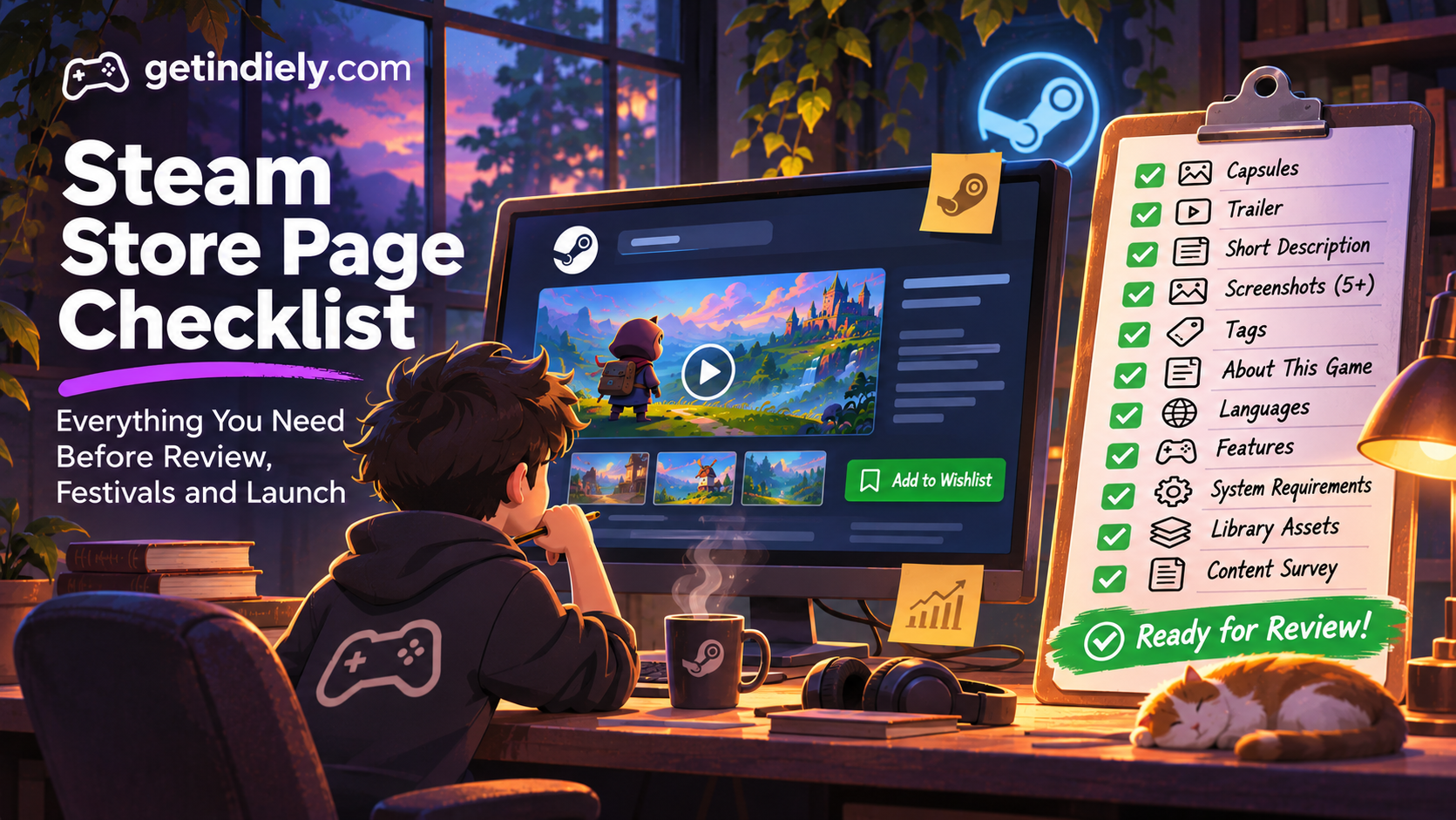
A Steam store page has a lot of moving parts: capsules, a trailer, screenshots, two descriptions, tags, languages, system requirements and more. Each one has its own rules, and missing one can mean a rejected review or a page that leaks visitors. This checklist puts every element in one place, in the order players see them, with links to a detailed guide for each.
Use it before you submit your Coming Soon page for review, before a festival and before launch.
How players read a Steam page
Most visitors decide in a few seconds, from the top of the page: capsule, trailer, short description and the first screenshots. Players who keep scrolling are interested and want details. A good page works for both: fast signals at the top, depth further down. Valve's own guidance follows the same split, describing the long description as being for players who "are interested and want to know more" (Valve: description guidance).
The top of the page
| Element | Check | Guide |
|---|---|---|
| Capsules | All required sizes uploaded; logo readable at small sizes; no review scores, awards or calls to action | Capsule guide |
| Trailer | Gameplay trailer first; real gameplay in the first seconds; processing finished | Trailer guide |
| Short description | Says what the player does and the genre; plain text; no dates or links | Short description guide |
| Screenshots | At least 5, gameplay only, 1920×1080 16:9; at least four marked suitable for all ages | Screenshots guide |
| Tags | Close to 20 accurate tags; specific ones in the top 5 | Tags guide |
Further down the page
| Element | Check | Guide |
|---|---|---|
| About This Game | Short pitch, illustrated feature blocks, images under 5 MB each and 15 MB total, no external links | "About This Game" guide |
| Press quotes and awards | In the dedicated sections, short, accurate and used with permission | Press quotes guide |
| Languages | Only languages the game actually supports, at the right level | Localization guide |
| Features | Controller, Remote Play, Steam Deck and other checkboxes ticked only when true | Remote Play guide |
| System requirements | Tested minimum and recommended specs | — |
| Announcements | Your two most recent posts make the game look active | Events guide |
Behind the page: settings players don't see directly
- Content Survey completed, including any AI disclosure. See our Content Survey guide.
- Library assets uploaded: capsule, header, hero and logo. See our library assets guide.
- Developer and publisher names linked to your Creator Homepage.
- Release date display chosen, with an internal date set. See the Steam release checklist.
- Website and social links in the Basic Info link fields, since descriptions can't contain links.
What Valve's reviewers check
Valve's review process documentation says store page reviewers look at whether:
- The page only lists features and content available at launch.
- Capsules include a readable product title or logo.
- Screenshots show only gameplay, without concept art, cinematic stills or marketing text.
- The description is detailed and coherent, with no links to other websites.
After the page goes live
- Check it logged out and on a phone, to see what new visitors see.
- Watch the traffic report weekly: click-through rate by placement and the visit-to-wishlist ratio. See our traffic report guide.
- Test capsule changes before uploading. See our capsule A/B testing guide.
- Update the page before every festival and before launch.
The complete checklist
- Store capsules in every required size, compliant and readable small.
- Gameplay trailer first; real gameplay in the first seconds.
- Short description: player action, genre, hook.
- 5+ gameplay screenshots; four marked all-ages.
- Close to 20 accurate tags.
- "About This Game" skimmable, illustrated and link-free.
- Languages and feature checkboxes accurate.
- System requirements tested.
- Content Survey and library assets complete.
- Creator Homepage linked; social links in Basic Info.
- Submitted for review at least 7 business days early.
Steam store page FAQ
What does a Steam store page need before review?
Capsules, screenshots, a trailer (strongly recommended for a Coming Soon page), descriptions, tags, the Content Survey and the other items in your Steamworks release checklist.
How many screenshots does a Steam page need?
At least 5, at 1920×1080 or higher in 16:9, showing gameplay only.
Can I put links in my Steam description?
No. Valve doesn't allow links in descriptions. Use the link fields in Basic Info for your website and social accounts.
How long does Steam store page review take?
Valve says typically 3–5 business days, and recommends submitting at least 7 business days before you want the page live.
Sources
More from the Journal
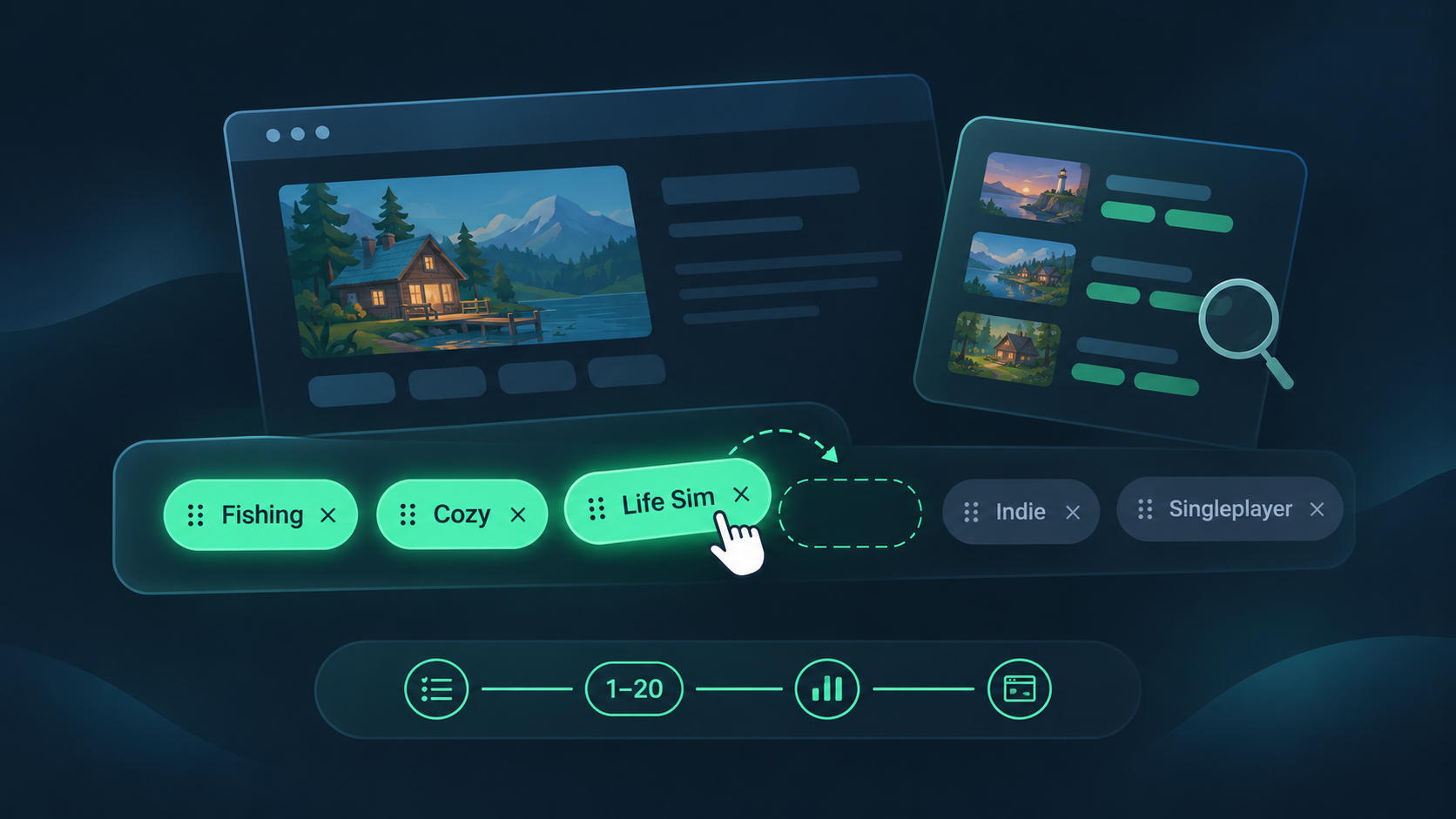
How to Choose Steam Tags for Your Indie Game (and Order Them Right)
How Steam tags work, how to choose and order your top 20, and how to check them against similar games. Based on Valve docs, with a worked example.
Read the article
How to Read Your Steamworks Traffic Report (Without Panicking)
A plain-English guide to the Steamworks traffic report: what impressions, visits and CTR really measure, and how to turn them into weekly decisions.
Read the article
Steam Next Fest Prep Timeline: What to Do From 8 Weeks Out to the Day After
A week-by-week plan for Steam Next Fest February 2027: key dates, registration, demo review, Press Preview and what to do after the festival ends.
Read the article