 indiely
Marketing · FIELD NOTES
Steam Events and Announcements: How to Get Your Updates Seen
Where Steam events appear, Major Update vs patch notes, how Update Visibility Rounds work and a posting rhythm that keeps players paying attention.
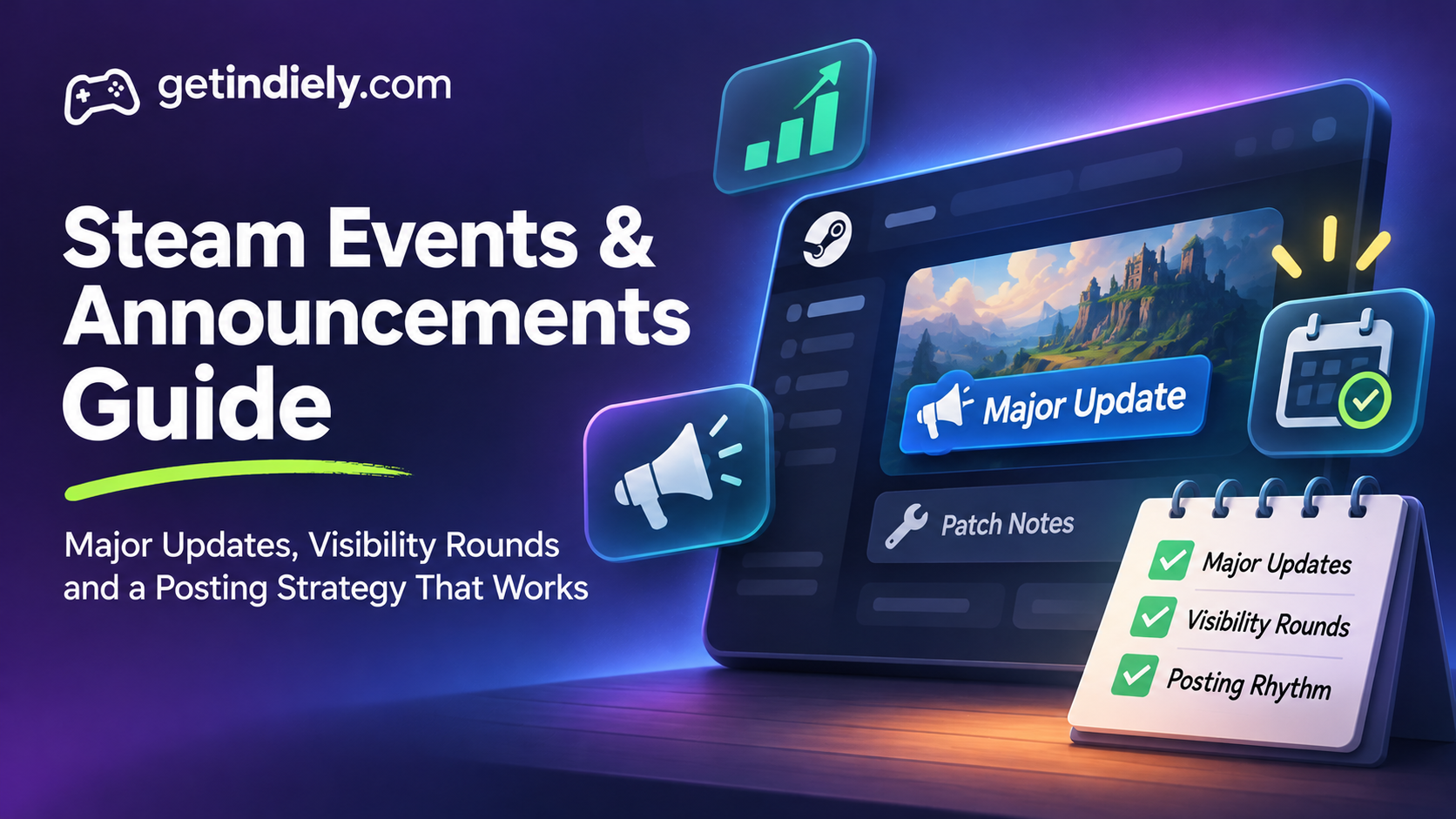
Steam events and announcements are the free marketing channel most indie developers underuse. A good post can reach your followers' activity feeds, your players' Library, your store page and, for major updates, the Steam front page. A careless one gets marked as patch notes and seen by almost nobody.
This guide explains where Steam events appear, how Major Updates differ from patch notes, how Update Visibility Rounds work, and how to plan a posting rhythm that keeps players paying attention.
What Steam events and announcements are
Valve's event tools documentation describes them as a way to "make posts or schedule events to communicate with your players" about news, live events or updates. You create them in Steamworks with no game integration required, and you can publish immediately, when the event begins, or on a date you choose.
Where they can appear:
| Place | Who sees it |
|---|---|
| Activity feeds | "All users who are following a product will receive its announcements in their activity feeds" |
| Your store page | Visitors see your two most recent announcements, below the DLC section |
| Community hub | The main feed and the News tab |
| Steam Library | Players of your game, in the Library "What's New" section and on your game's Library page |
| Store front page | Players and wishlisters, when a Major Update is paired with an Update Visibility Round |
Major Update vs patch notes: pick the right type
The event type you choose decides where your post can appear. Valve's event visibility documentation says small updates and patch notes "intentionally don't appear in high-visibility locations like the library homepage."
| Major Update | Small Update / Patch Notes | |
|---|---|---|
| Use it for | Your biggest updates: new content, features, modes, DLC | Bug fixes, balance changes, small improvements |
| Visibility | Library "What's New", store page, News Hub, and the front page with an Update Visibility Round | Kept out of high-visibility locations |
| Artwork | Cover image 800×450 (required); header 1920×622 (optional) | Simpler; no big visual push needed |
Valve's Major Update documentation calls these "one of the biggest moments in the year for your game" and recommends preparing more content than usual: images and rich descriptions of what's new. Valve also suggests posting patch notes whenever you push a build, because it shows players you're still improving the game.
Update Visibility Rounds: free front-page exposure
After launch, Valve's Update Visibility Rounds give major updates "dedicated space on the front page of the Steam store." The key rules:
- Each product starts with five rounds, shared between Early Access and full release. Use them all in Early Access and none are left for 1.0. Valve says additional rounds may be granted to products that are selling well.
- A round can start only after your launch visibility has ended, and the linked announcement must have been posted within the last 30 days.
- Who sees it: customers who have your game in their library or on their wishlist.
- How long it lasts: up to 30 days, or until it reaches 1 million homepage impressions, whichever comes first.
- Seasonal sales: rounds typically don't appear during the major seasonal sales, but those days still count toward the 30 days.
Start a round from the Marketing & Visibility section of your app landing page, under "Product Update Visibility Rounds", by selecting the announcement and writing a short description.
How often should you post?
Valve sets no numeric posting limit, but its guidance is clear about quality over quantity:
- Keep the homepage clean. Valve says "ideally, you should only have a single or maximum two events that can be visible on the homepage." Players who see many old events may start ignoring yours.
- Hide old teasers. When you post a new teaser before launch, hide the older one.
- Feature sparingly. A featured event is pinned to the top of the player's Library page until they see it, then stays there for 48 hours. Valve says to use it only for major events, with adequate time between them.
- Post with a reason. In Valve's words: "If you don't have a reason to post an announcement, don't post one."
A sustainable rhythm for many small teams (our recommendation): patch notes with every build, a short news post when there's something real to say, and a Major Update every few months, paired with an Update Visibility Round once the game is out.
How to write an announcement players read
- Lead with the payoff. The title and cover image should say what's new for the player: "New biome: The Sunken Library", not "Update 0.7.2".
- Show, then tell. Put a GIF or screenshot near the top. Images in the event body display at up to 800 pixels wide, so make sure details read at that size.
- Use short sections. Headings for each new feature, a few lines each, and the full change list at the end.
- Credit your community. Valve suggests rewarding players, for example by highlighting fan art or screenshots, and listening to your community before you communicate.
- End with one next step: play the update, join the Discord, or wishlist the upcoming DLC.
Events can take up to an hour to appear in the Steam Library because of moderation review, so publish ahead of any announcement on social media. Also note you can't move an event's start time once it has passed.
Before launch: events still matter
Events aren't only for released games. Followers see your announcements in their activity feeds, and visitors see your latest two posts on your Coming Soon page. Use them for:
- Demo releases (paired with your one demo wishlist notification; see our Steam demo guide)
- Festival participation, such as Steam Next Fest
- New trailers and release date announcements
- Devlogs that show real progress
Steam events checklist
- Big content updates use the Major Update type; fixes use Patch Notes.
- Major Updates have an 800×450 cover image (and optionally a 1920×622 header).
- The title says what's new for players, not just a version number.
- Only one or two events are visible on the homepage; old teasers are hidden.
- Update Visibility Rounds are saved for your biggest updates and timed outside major seasonal sales.
- Your store page's two most recent posts make the game look active.
- Events are published before your social posts, allowing up to an hour for moderation.
Want to see whether an update actually brought players back? Our guide to reading your Steamworks traffic report shows how to compare traffic before and after a post.
Steam events FAQ
Who sees my Steam announcements?
Followers see them in their activity feeds, visitors see your two most recent posts on your store page, and players see events in their Steam Library. Major Updates paired with an Update Visibility Round can also reach players and wishlisters on the store front page.
How many Update Visibility Rounds does a Steam game get?
Each product starts with five, shared between Early Access and full release. Valve says more may be granted to products that are selling well.
Why didn't my update appear on players' Library homepage?
Check the event type. Valve says small updates and patch notes intentionally don't appear in high-visibility locations like the Library homepage. Use the Major Update type for big content updates.
How often should I post Steam announcements?
Valve sets no fixed limit, but recommends keeping only one or two events visible on the homepage and not posting without a reason. Patch notes with each build plus occasional major updates work for many small teams.
Sources
More from the Journal
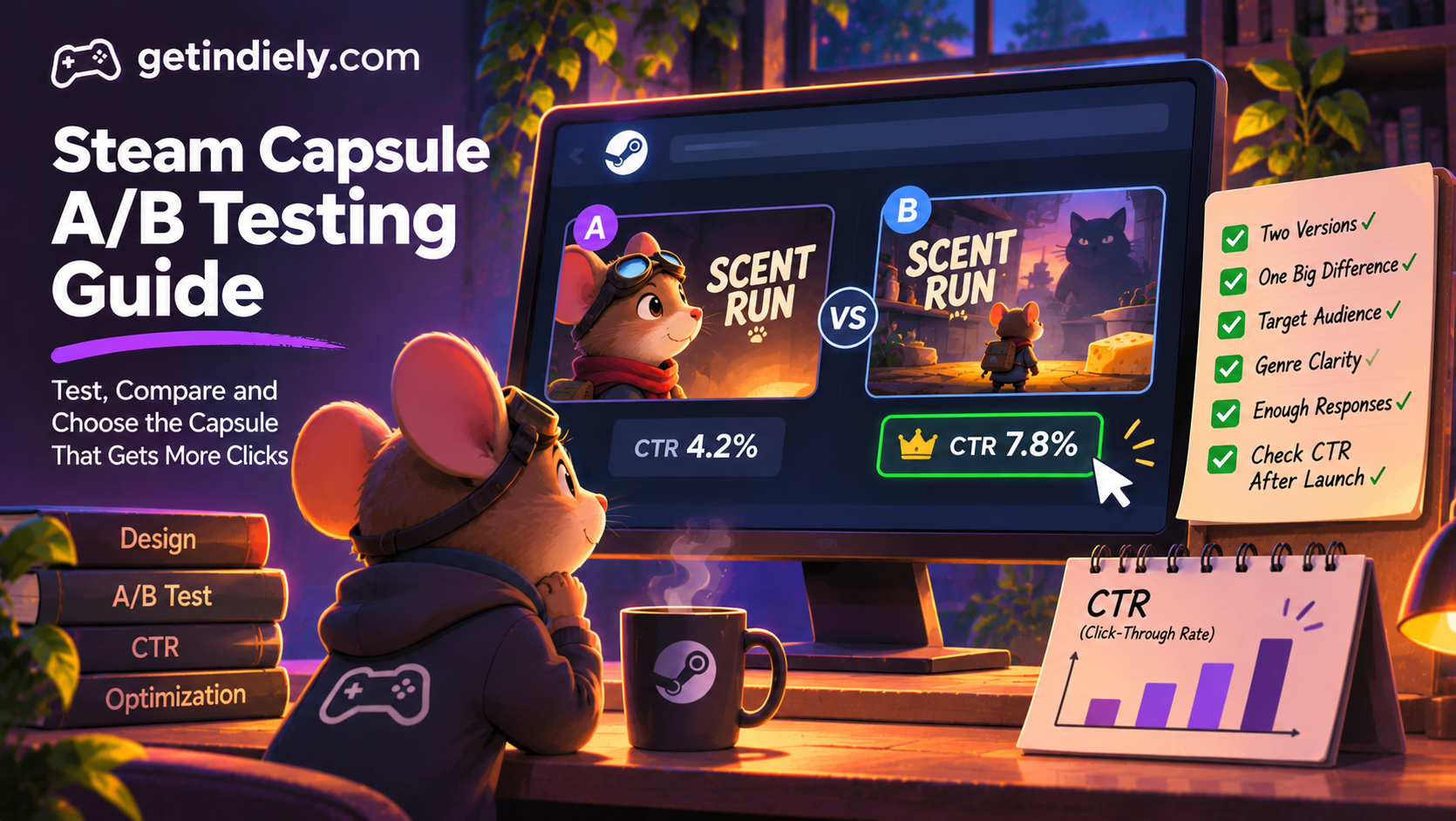
How to A/B Test Your Steam Capsule Before It Goes Live
How to A/B test a Steam capsule before uploading it, how to read the results honestly and how to confirm performance with Steam traffic data.
Read the article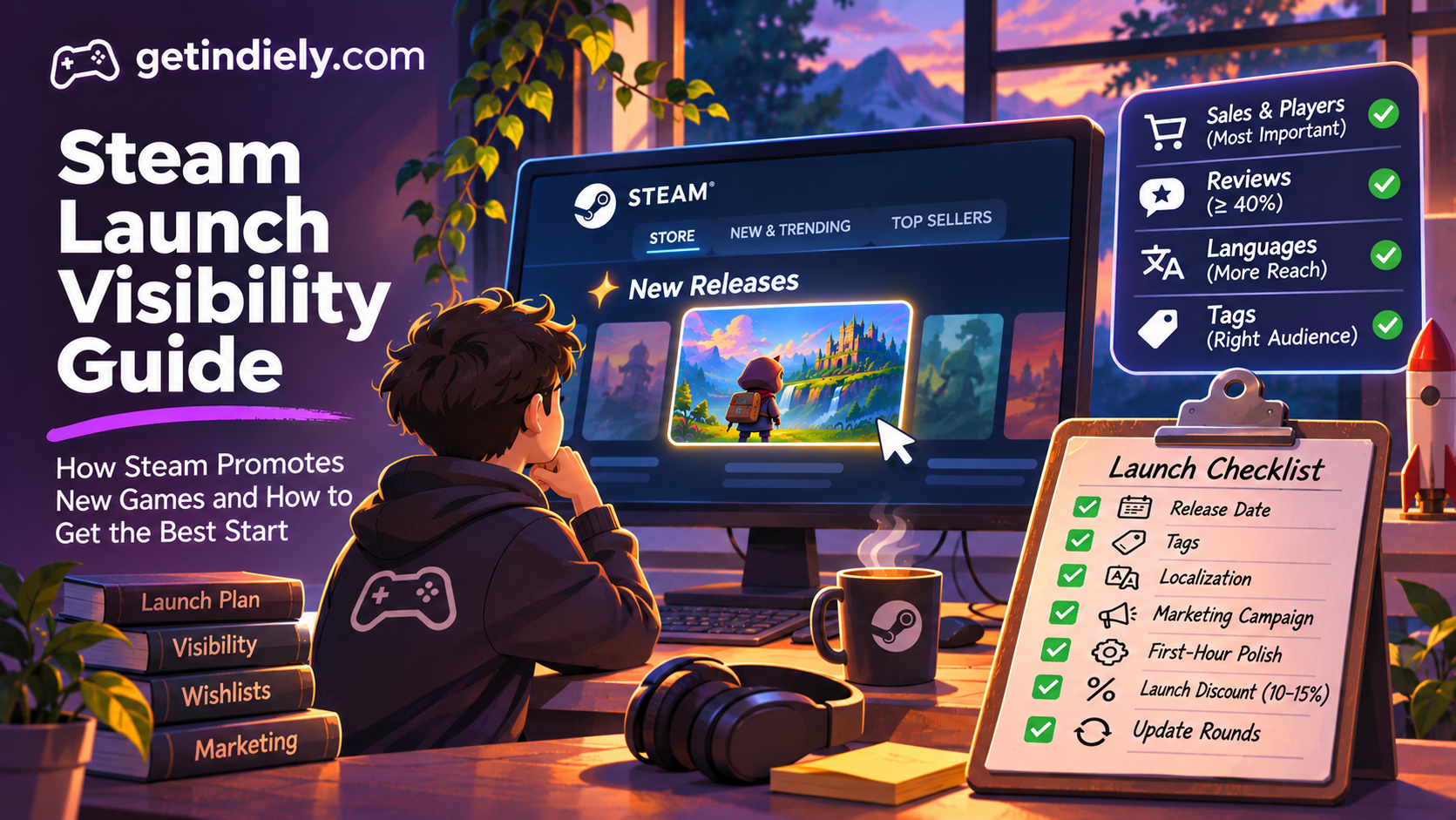
How Steam Launch Visibility Works (and How to Make the Most of It)
What Steam actually does for a new release, which factors help visibility according to Valve, which do not, and how to prepare for launch week.
Read the article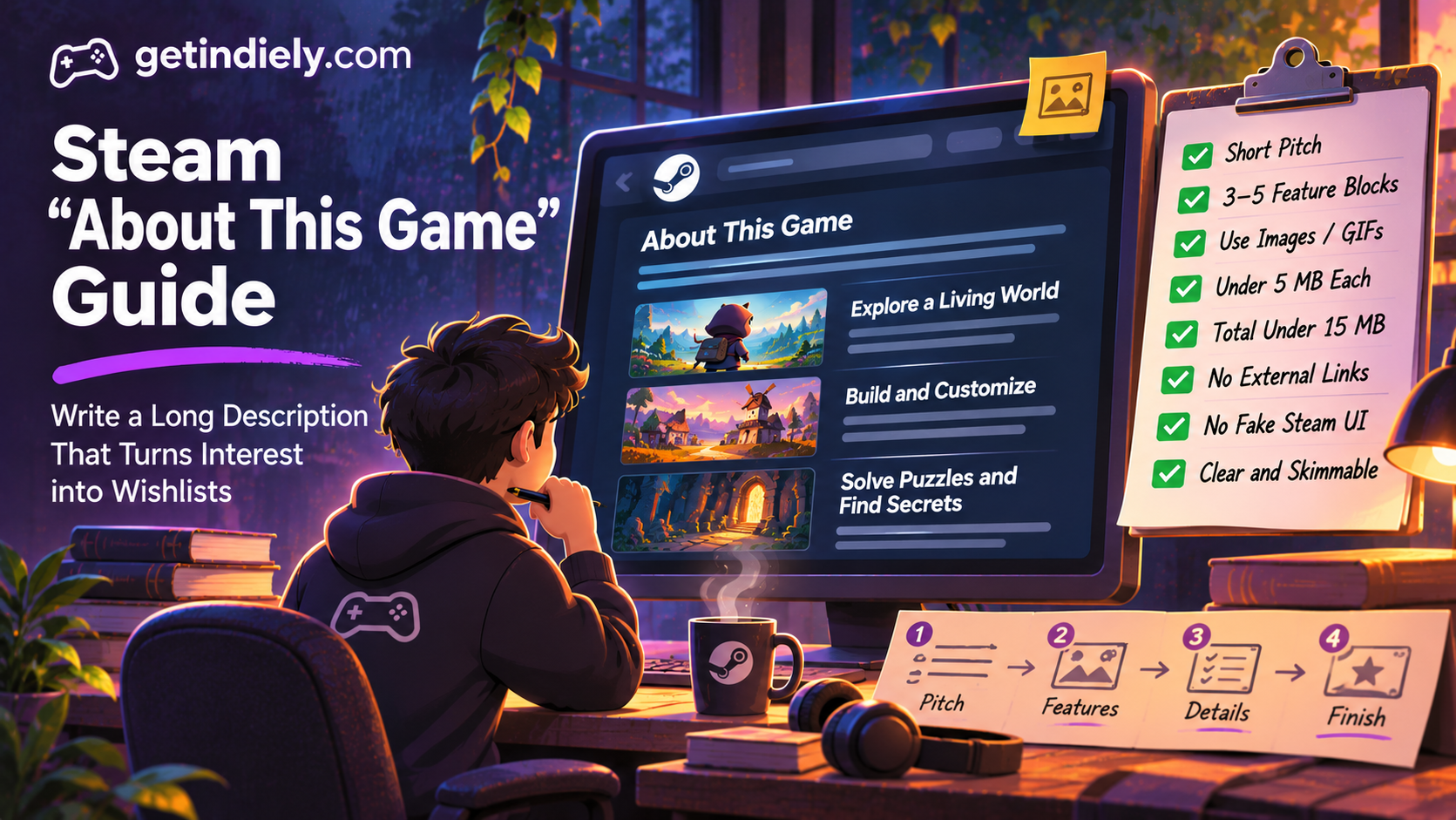
How to Write the "About This Game" Section on Steam
How to structure the long description on your Steam page: Valve principles, illustrated feature blocks, GIF size limits and what is not allowed.
Read the article