 indiely
Launch · FIELD NOTES
Steam Demo Guide: Should You Release a Demo Before Launch?
How Steam demos work, when a pre-release demo makes sense, how to set one up step by step and the one wishlist notification you should not waste.
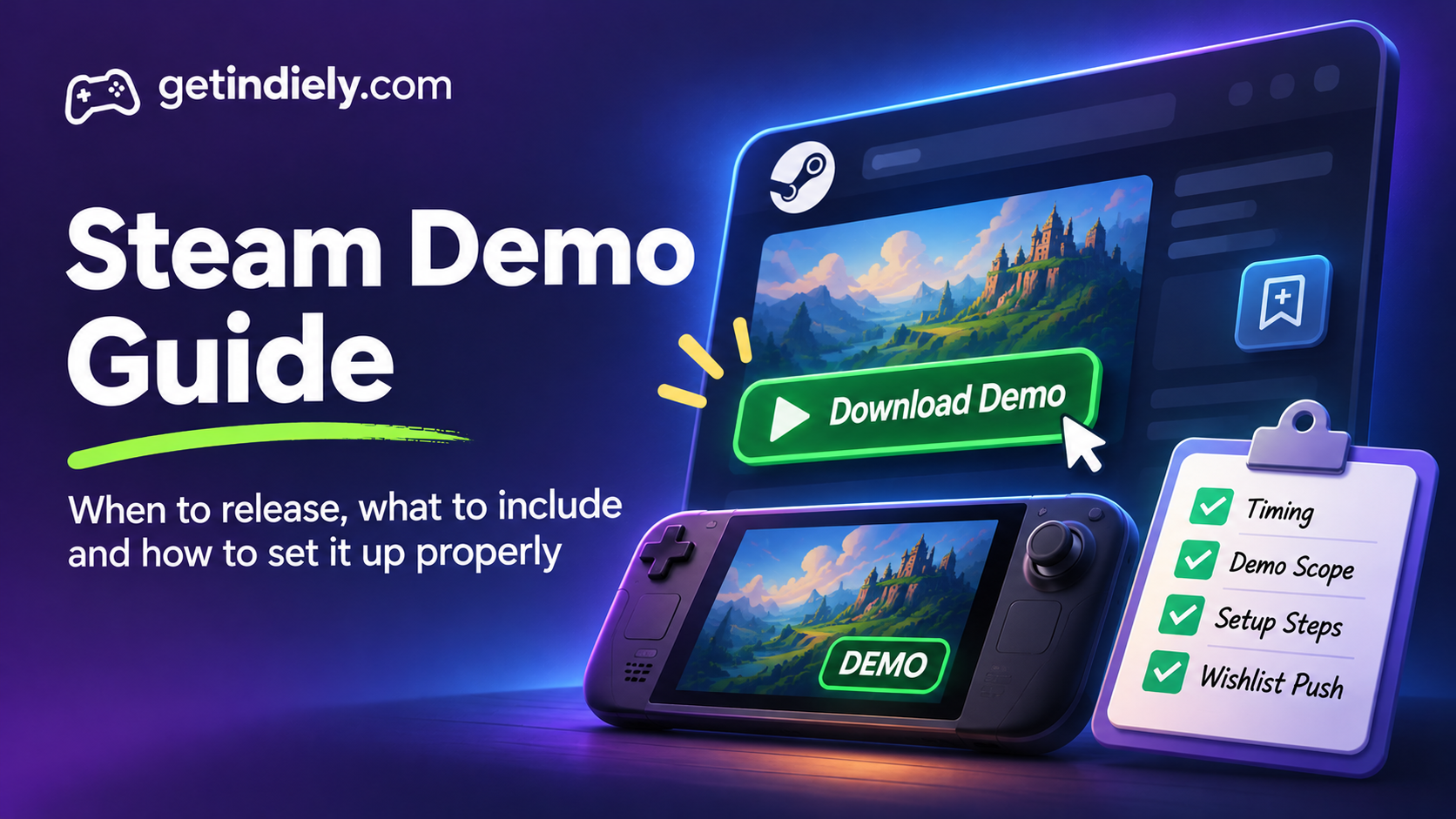
A Steam demo can be the best marketing you'll ever make, or a fast way to lose players who would have loved the full game. The difference is usually timing, scope and setup: when you release it, how much of the game it shows, and whether players who enjoy it have an easy path to wishlist or buy.
This guide covers how Steam demos work according to Valve, whether you should release one before launch, how to set one up, and the details that are easy to miss.
How Steam demos work
Valve's demo documentation describes a demo as "a separate App ID that is associated with your full game's App ID." In practice, that means:
- A demo is its own app, with the app type set to "Demo" and your base game's App ID entered in its settings. It needs its own build and its own review.
- It can have its own store page, or just a button on your base game's page. A separate page is optional, but it requires a demo-specific trailer and at least five demo screenshots.
- Demo players can leave reviews if the demo has its own page. There's no separate community hub.
- Steam links back to the full game automatically from a demo store page, which helps players wishlist or buy it.
- Demos can appear wherever a free game could, including New & Trending, store hubs, tag pages and genre pages. Released demos can also appear as new in the demo section.
Capsules and library art for the demo should clearly mark it as a demo, so players don't confuse it with the full game.
Should you release a demo before launch?
Valve's position is more cautious than many developers expect. It "generally recommends waiting until launch," but notes that a pre-release demo can help if players need to get their hands on the game to understand it. If you do release before launch, your base game's page should already be live as Coming Soon, so players can wishlist it.
| A pre-release demo makes sense when... | Consider waiting when... |
|---|---|
| Your game's appeal is in how it feels to play, which trailers can't fully show | Your game is easy to understand from screenshots and a trailer |
| You want to join Steam Next Fest, which is built around playable demos | The first part of your game isn't polished yet |
| Strangers have played it and want more | Only friends and family have tested it |
| You're ready to collect and respond to feedback | A demo would show most of what the game offers |
How much of the game should a demo show?
Valve's advice is to keep quality high, because buyers use the demo to decide whether to purchase, and to balance length: enough content to build excitement without giving away everything. A few practical guidelines (our recommendations):
- Show the core loop early. Players should reach the main thing they'll do in the full game within the first few minutes, not after a long tutorial.
- Include one "hook" moment. The mechanic, upgrade or twist that makes your game different should appear in the demo.
- End on a high. Finish at a moment that makes players want the next part, with a clear prompt to wishlist.
- Polish the first 15 minutes most. Players drop demos quickly. A rough opening costs you more than a missing late-game feature.
Setting up a Steam demo step by step
- Create the demo app in Steamworks, set its type to "Demo" and enter your base game's App ID in General Application Settings.
- Decide on a store page. Choose between a separate demo page (with its own trailer and at least five screenshots) or only a download button on your base game's page.
- Upload the build and submit for review. Once its store page review is complete, the demo can be listed as upcoming.
- Choose how the demo appears on your base game's page: a subtler sidebar entry or a more prominent green box in the center, under Edit Store Page → Special Settings → Associated Demos.
- Release it with the "Release Demo" button.
- Re-publish your base game's store page. Valve says you must do this manually after releasing a demo, or the Download Demo button won't appear.
Notify your wishlisters (once)
Valve lets you send a wishlist notification about your demo once, within two weeks of the demo's first playable release. Wishlist notifications also have a two-week cooldown per App ID. Because you only get one chance, release the demo when you can support it with a trailer, social posts and an announcement, not on a quiet day.
Technical details that save headaches later
- Disable achievements in the demo. Valve recommends storing the demo save in Steam Cloud and granting the achievements in the full game after purchase.
- Plan the upgrade path. Shared depots and shared cloud storage make it easier for players to continue from the demo in the full game. Note that shared depots require the full game to already be released.
- Multiplayer is separate. Demo players and full game players can't play multiplayer together.
- You can turn a demo off. Demos can be deactivated and reactivated. Players who already have the demo keep it in their library but can't launch it while it's deactivated.
After release: use the demo as research
A demo is also your best source of real player feedback before launch. Watch for:
- Where players stop. Watch creator playthroughs or run your own playtests. If many players quit at the same point, that section needs work in the full game too.
- Demo reviews and comments. Recurring complaints about controls, difficulty or clarity are usually cheap to fix before launch.
- Wishlist changes. Compare your daily wishlist additions before and after the demo release in your Steamworks traffic report and wishlist data.
Steam demo checklist
- Your base game's page is live as Coming Soon, so players can wishlist.
- Strangers, not just friends, have played the demo.
- The core loop and one hook moment appear in the first few minutes.
- The demo ends on a high, with a clear prompt to wishlist.
- Capsules and library art clearly say "Demo".
- Achievements are disabled; saves can carry over to the full game.
- After release, you re-published the base game's store page.
- You've planned your one wishlist notification within the first two weeks.
A demo sends players to your store page, so make sure it's ready: see our guides to Steam trailers, screenshots and tags. Demos inherit their base game's tags, so getting tags right helps both.
Steam demo FAQ
Should I release a Steam demo before launch?
It depends on your game. Valve generally recommends waiting until launch, but says a pre-release demo can help when players need to play the game to understand it. If you plan to join Steam Next Fest, you'll need a playable demo.
Does a Steam demo need its own store page?
No. A separate demo page is optional. Without one, the demo appears as a download button on your base game's page. A separate page requires its own trailer and at least five screenshots.
Can I notify wishlisters about my demo?
Yes, once, within two weeks of the demo's first playable release. Wishlist notifications have a two-week cooldown per App ID.
Why isn't the demo button showing on my store page?
After releasing a demo, Valve says you need to manually re-publish your base game's store page for the Download Demo button to appear.
Sources
More from the Journal
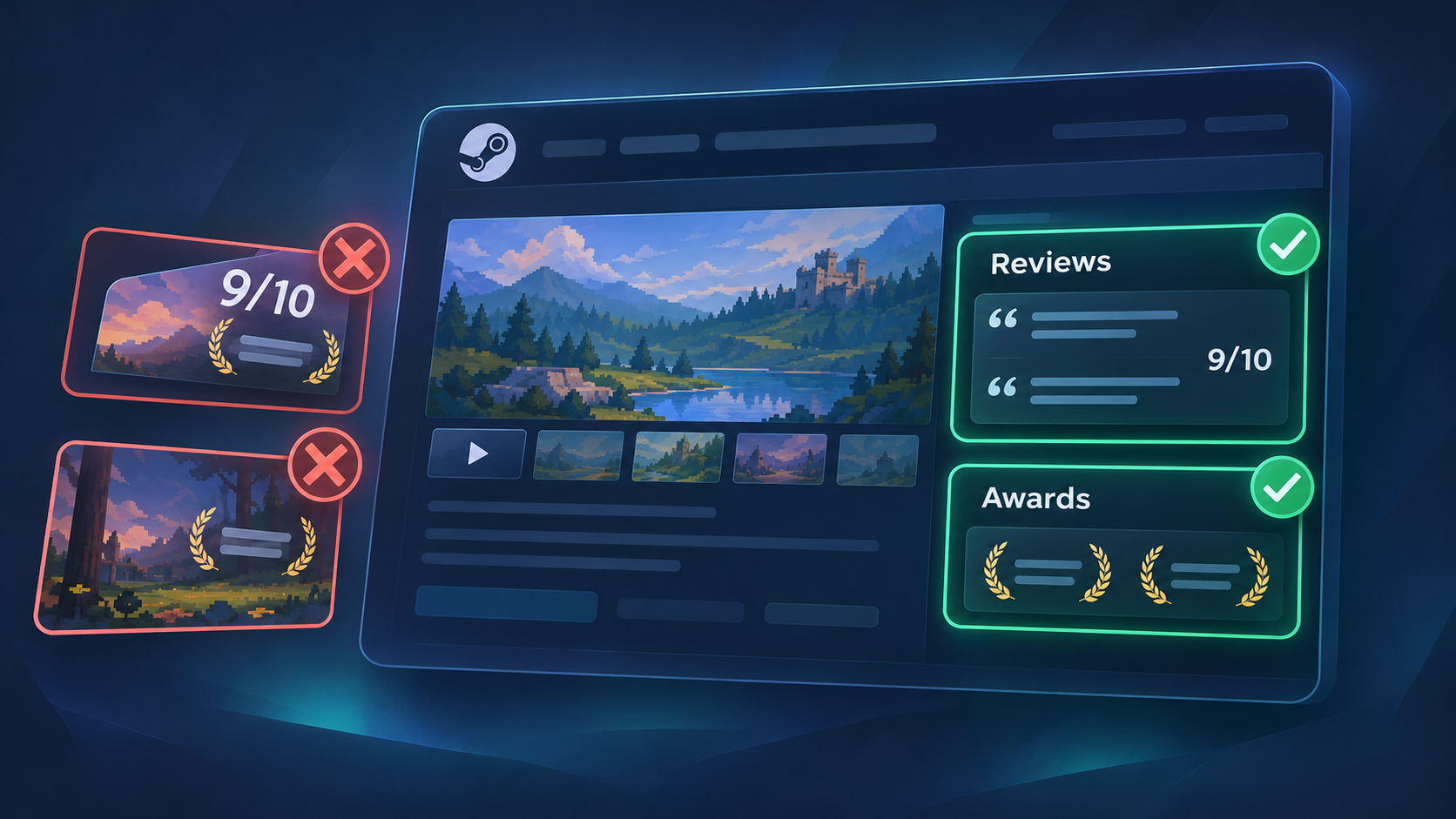
Press Quotes and Awards on Your Steam Page: Where They Go and the Rules
Where press quotes and awards can and cannot go on a Steam store page, Valve rules for each section and how to choose the quotes and awards worth showing.
Read the article
How to Write a Steam Short Description That Makes Players Scroll
Valve rules, a simple formula and before-and-after examples for writing a Steam short description that tells players what they will actually do.
Read the article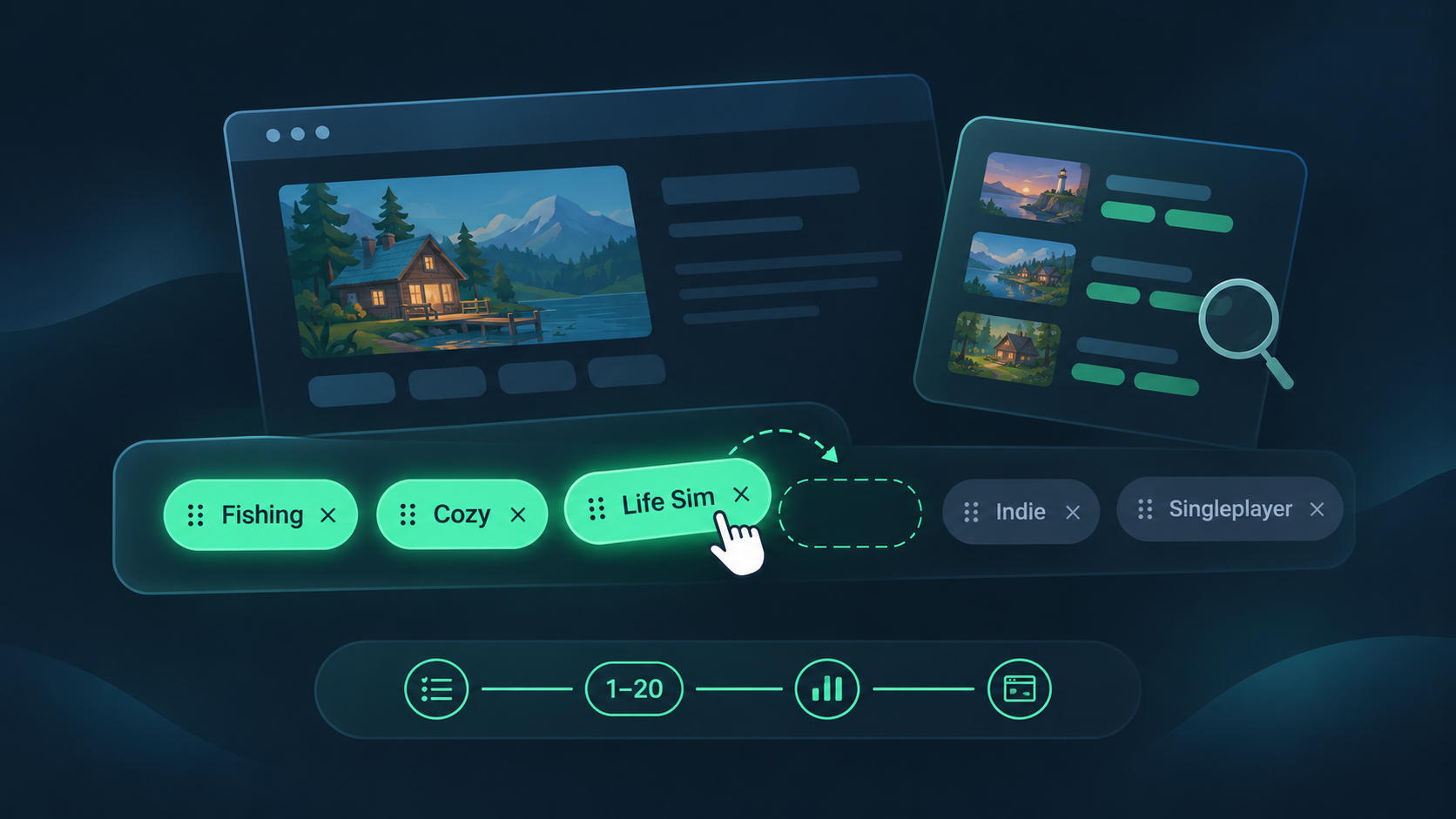
How to Choose Steam Tags for Your Indie Game (and Order Them Right)
How Steam tags work, how to choose and order your top 20, and how to check them against similar games. Based on Valve docs, with a worked example.
Read the article