 indiely
Store Page · FIELD NOTES
How to Make a Steam Trailer That Works in the First 10 Seconds
Valve trailer specs, why your first two trailers matter, what to show in the first 10 seconds and the upload mistakes that can delay your launch.
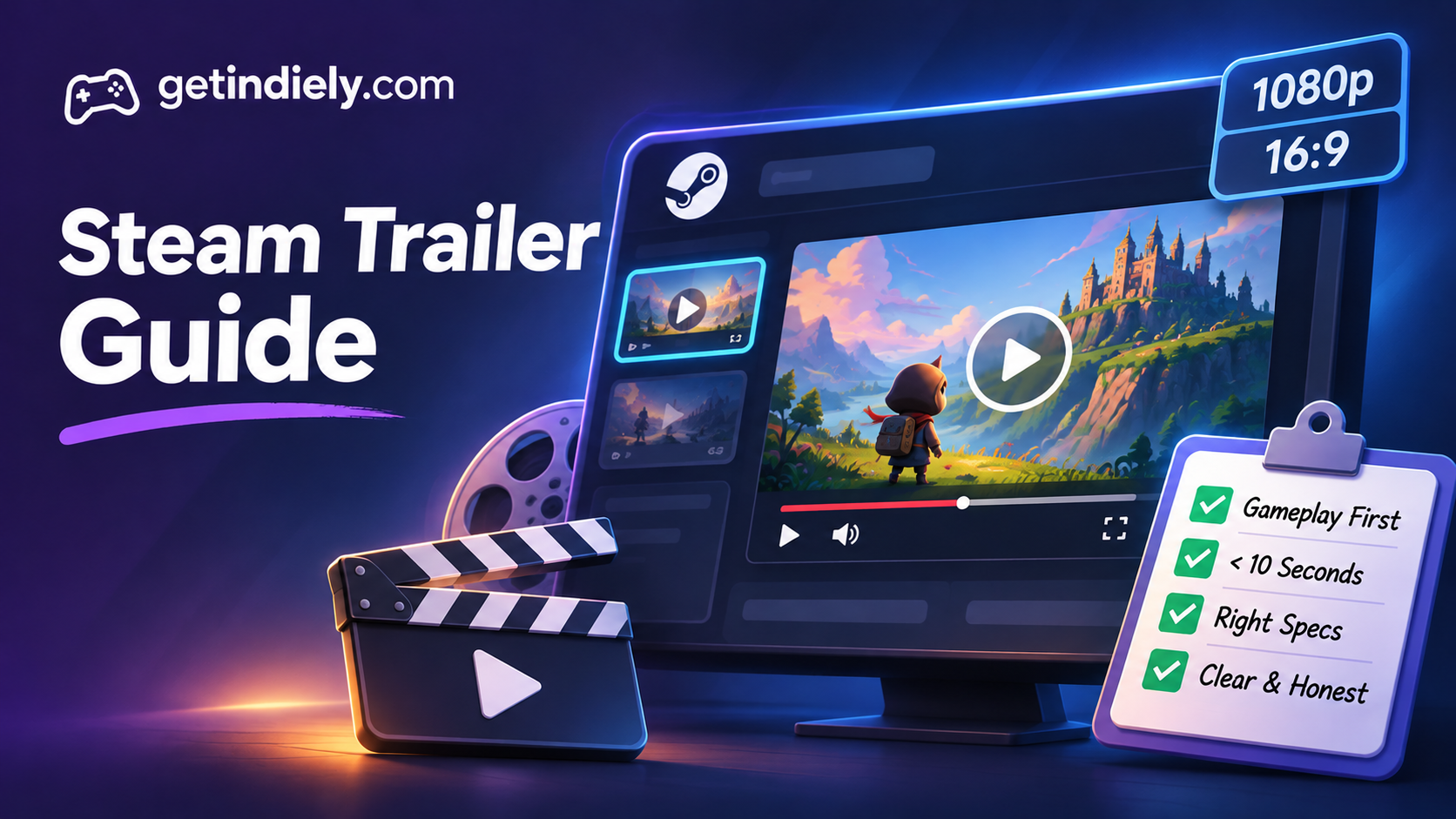
Your Steam trailer is the first thing that plays at the top of your store page. For many visitors, it's the moment they decide whether your game is for them. Valve's own documentation warns that someone browsing the Discovery Queue may give you "less than 10 seconds to make an impression."
This guide covers Valve's trailer specs and ordering rules, what to show first, how to structure a short gameplay trailer, and the upload mistakes that can delay your launch.
How Steam shows your trailers
According to Valve's trailer documentation, a trailer is required as part of the release process, and the order you choose matters:
- "The first two valid trailers will be shown to players before any screenshots." Any other trailers appear after your screenshots.
- You can reorder trailers by dragging and dropping them in the trailer management tool.
- Steam generates a poster and a thumbnail for each trailer. You can replace them with a custom image, but it must be a frame from the video itself, at 1920×1080 in JPG or PNG.
Valve also asks you to pick a category for each trailer:
| Category | What Valve means by it |
|---|---|
| Gameplay | Mostly gameplay, shown from the player's perspective |
| General / Cinematic | A mix of pre-rendered video, logos, title screens, accolades and limited gameplay |
| Teaser | A short video, often at announcement, that teases the title or franchise |
| Interview / Dev Diary | A non-fiction interview or documentary video |
Steam trailer specs
Steam can transcode many formats, but these are Valve's recommendations:
| Setting | Valve's recommendation |
|---|---|
| Resolution | The highest you have, up to 1920×1080. Common sizes such as 1920×1080 or 1280×720 avoid processing issues |
| Aspect ratio | 16:9 preferred (4:3 is accepted) |
| Frame rate | 30/29.97 or 60/59.94 fps |
| Bit rate | High, 5,000+ Kbps |
| Container | .mov, .wmv or .mp4 |
| Codecs | H.264 video and AAC audio preferred |
| Audio | 44 kHz or 48 kHz; Steam converts it to regular stereo |
If you export from Adobe tools, Valve suggests the "H.264 Video (20Mbs) with AAC Stereo Audio (192Kbps)" preset.
What to show in the first 10 seconds
Valve's advice focuses on two questions: how quickly can a viewer learn what your product is, and can they understand it without sound? Building on that, here is a practical opening for a gameplay trailer. The structure is our recommendation, not a Valve rule.
- 0–3 seconds: real gameplay, immediately. Skip publisher logos, engine logos and slow fades. Start on your most readable, most representative moment of play.
- 3–10 seconds: the core loop. Show the action players repeat most: building, fighting, exploring, managing. Keep the HUD visible; Valve notes that showing in-game HUD in gameplay videos is often beneficial.
- Before 10 seconds: the genre is obvious. A viewer who watches with the sound off should already know what kind of game this is.
A simple structure for a gameplay trailer
Valve doesn't recommend a specific length. Many indie gameplay trailers stay short so that viewers see the whole thing. A structure that works for most genres:
- The hook (first 10 seconds): real gameplay showing the core loop, as above.
- The twist: the mechanic or feature that sets your game apart from others in the genre.
- Variety: different locations, enemies, tools or modes, so players see there's more than one setting.
- Escalation: a bigger moment that shows progression, such as a late-game base, a boss or a full screen of action.
- The close: your logo, then a clear ending card. Keep it short; players who reach the end are already interested.
Keep each shot long enough to read. Fast cuts can look exciting to the developer, who already knows the game, while a new viewer can't tell what's happening.
Choosing a thumbnail
Steam auto-generates a 600×380 poster, shown until the video loads, and a 232×130 thumbnail for the store page. If you replace them, Valve says the custom image must be a frame from the video, and recommends a frame that shows unique content and avoids text. At 232×130 pixels, a clear character or a recognizable scene reads much better than a wide, busy shot.
Localization and regional versions
- Language-specific trailers: in the trailer's Advanced Settings, you can assign a language to a trailer. If you have several language versions, Valve says the base video should be the English one.
- Rated videos: for PEGI- or ESRB-rated trailers, you can limit visibility to specific countries using two-letter country codes (for example
DE,FR,US). - Textless is easier: the less text in your trailer, the fewer versions you need to make.
Upload mistakes that can delay your launch
- Leaving the cinematic trailer first. Move your gameplay trailer into the first slot. Only the first two trailers play before screenshots.
- Odd resolutions. Unusual sizes can cause processing issues. Export at 1920×1080 or 1280×720.
- Low bit rate. Fast action and particle effects break down at low bit rates. Valve recommends 5,000+ Kbps.
- Showing features that won't ship. Valve's review checks that the store page only lists features and content available at launch. Keep the trailer honest too.
Steam trailer checklist
- A gameplay trailer is in the first slot; at most one other trailer plays before screenshots.
- Real gameplay starts within the first three seconds, with no logo intro.
- The genre and core loop are clear within 10 seconds, even with sound off.
- The HUD is visible where it explains how the game plays.
- Export: 16:9, 1920×1080, 30 or 60 fps, H.264 + AAC, 5,000+ Kbps.
- The custom thumbnail is a readable frame from the video, without text.
- The trailer was uploaded well before launch, so processing is finished.
- Every feature shown will be in the version players buy.
Your trailer works alongside the rest of the page. See our guides to Steam screenshots and the short description, and the Steam release checklist for when to upload everything.
Steam trailer FAQ
What resolution should a Steam trailer be?
Valve recommends uploading the highest resolution you have, up to 1920×1080, in a 16:9 aspect ratio. Common sizes such as 1920×1080 or 1280×720 avoid processing issues.
How many trailers play before screenshots on Steam?
Two. Valve says the first two valid trailers are shown before any screenshots, and the rest appear after them.
How long should a Steam trailer be?
Valve doesn't set a length. What it stresses is speed: viewers may give you less than 10 seconds, so show gameplay immediately and make the genre clear early.
Should my first Steam trailer be cinematic or gameplay?
Gameplay. Valve highly recommends that the first trailer be primarily gameplay that shows what players will do.
Sources
More from the Journal
Steam Demo Guide: Should You Release a Demo Before Launch?
How Steam demos work, when a pre-release demo makes sense, how to set one up step by step and the one wishlist notification you should not waste.
Read the article
Steam Events and Announcements: How to Get Your Updates Seen
Where Steam events appear, Major Update vs patch notes, how Update Visibility Rounds work and a posting rhythm that keeps players paying attention.
Read the article
Steam Deck Verified: How to Get Your Indie Game Rated Verified
Steam hardware compatibility ratings explained, Valve criteria for Steam Deck Verified, how the review works and the fixes that most often make the difference.
Read the article