 indiely
Store Page · FIELD NOTES
Steam Localization: Which Languages to Add and How to Localize Your Page
Why localization matters on Steam, how language support is decided, how to localize your store page and how to choose which languages to add first.
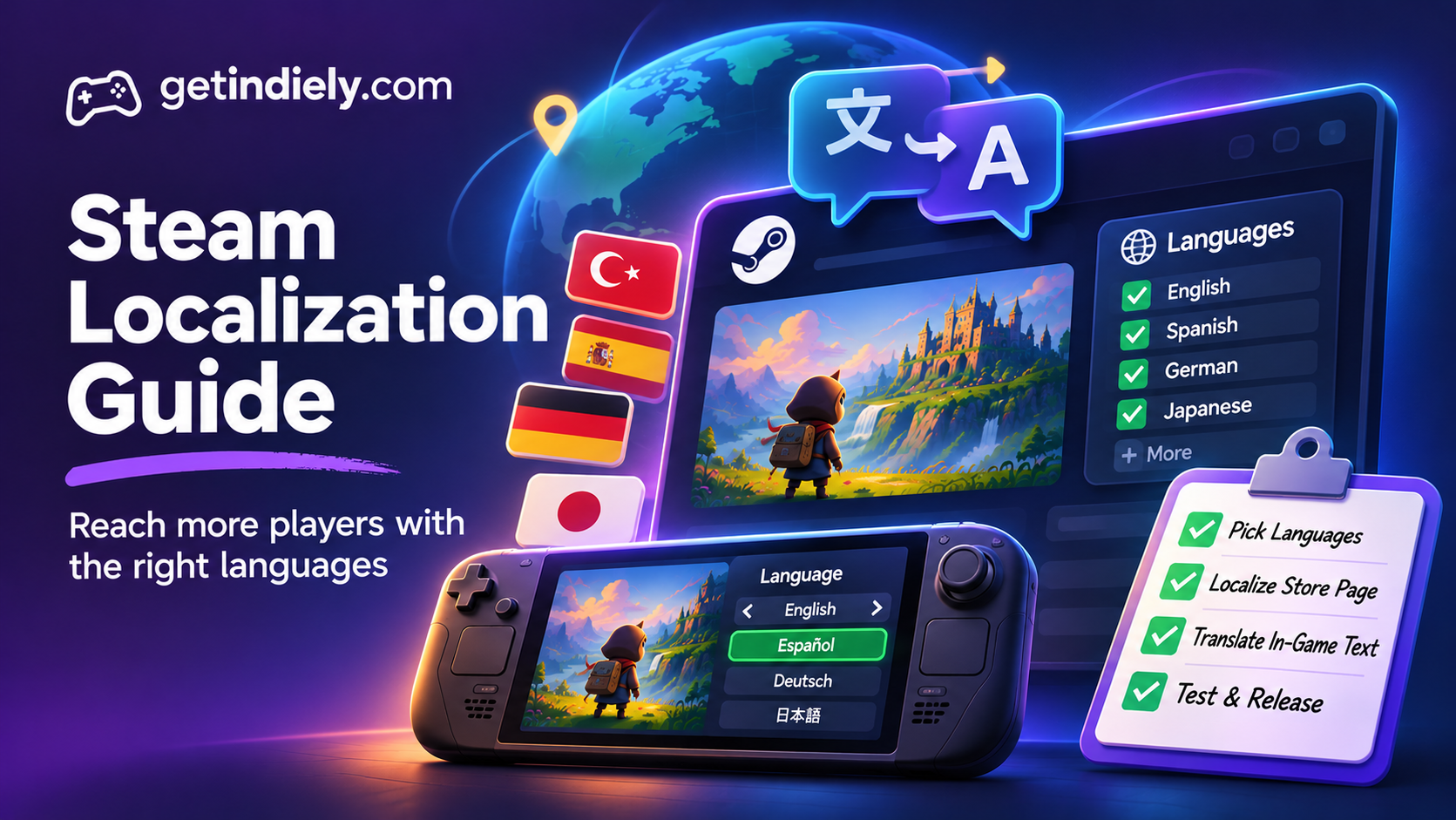
Most Steam players don't use Steam in English. That single fact makes localization one of the most practical growth decisions an indie developer can make. But translating everything into every language isn't realistic for a small team, and Valve doesn't expect it.
This guide explains what Valve says about localization, how Steam decides which languages your game supports, how to localize your store page, and how to choose which languages to add first.
Why localization matters on Steam
Valve's localization documentation makes two points that matter for every indie game:
- Most players aren't using English. "Over 60% of Steam users use it in a language other than English."
- Steam favors localized games. "Steam favors products that are localized." Valve's visibility documentation lists language as one of the factors in algorithmic visibility: Steam is more likely to show a game to players who speak a language it supports.
Steam itself has full official support for 29 languages across its platform features.
The three levels of language support
In Steamworks, you mark each language with the level of support your game offers:
| Level | What it means | Notes |
|---|---|---|
| Interface | Menus, UI and in-game text are translated | Usually the starting point; cost depends on your word count |
| Subtitles | Spoken dialogue has translated subtitles | Adds the script to your word count |
| Full Audio | Voice acting is recorded in that language | The most expensive; rare for small indie games |
For most indie games, interface (and subtitles, if there's voiced dialogue) is the realistic level. Players see these levels in the language table on your store page, so only tick what's actually in the game.
How to choose which languages to add
Valve's advice is practical: "You shouldn't feel the need to localize for every language." Instead, it suggests using your store page traffic, sales and community feedback to plan. Three ideas from Valve help narrow the list:
- Look at your own data. Your traffic and sales reports show where interest comes from. See our guide to reading your Steamworks traffic report.
- Languages unlike English can pay off more. Valve says, "The less a language looks like English, the higher the expected return." Players who read English comfortably may buy your game anyway; players who don't, mostly won't.
- Language isn't geography. Valve notes that players' language preferences vary independently of where they live. Think in languages, not countries.
For a broad view of which languages Steam users run, Valve points to the language data in the Steam Hardware & Software Survey. Check it when you plan, because it changes over time.
How to localize your Steam store page
Valve says you can localize your written description, images and trailers, and that store page localization and in-game localization can be used independently, though "supporting both is ideal." What to localize, piece by piece:
- Short and long descriptions: translate both for each language your game supports. Our short description guide explains what the top line needs to say, in any language.
- Images in "About This Game": Valve recommends textless images, because text inside images has to be translated and re-uploaded for each language.
- Screenshots: if they contain a lot of UI text, you can add localized versions by dragging them onto an existing screenshot in Steamworks.
- Trailers: you can assign a language to a trailer in its advanced settings. Valve says the base trailer should be the English version if you have several.
- Game name: localized app names appear to players using Steam in that language.
- Capsules: if your capsule includes a logo with text, consider a localized logo for languages with different scripts, such as Japanese, Chinese or Korean.
Release new languages as updates
Valve suggests releasing new languages as updates and announcing them through Community Announcements and Update Visibility Rounds. A new language is real news for players in that language, and a good reason to reach lapsed players and wishlisters again. Our guide to Steam events and announcements explains how Update Visibility Rounds work.
Localization tips that save time and money
- Prepare early. Keep all in-game text in string files, not hard-coded into scenes or images. Retrofitting this late is expensive.
- Leave room for longer text. Many languages need more space than English. Design buttons and text boxes that can grow.
- Check fonts. Make sure your fonts support the characters each language needs, including accents and non-Latin scripts.
- Give translators context. Screenshots and notes about where each line appears lead to far better translations than a bare spreadsheet.
- Test in-game. Have a native speaker play the localized version to catch cut-off text and wrong context.
- Only claim what's done. Tick a language in Steamworks only when the game actually supports it at that level.
Steam localization checklist
- You've chosen languages based on traffic, sales, community requests and how different each is from English.
- In-game text lives in string files, and fonts support every target language.
- Each supported language is marked at the right level: interface, subtitles or full audio.
- Short and long descriptions are translated for every supported language.
- "About This Game" images are textless where possible.
- Screenshots and trailers have localized versions where text matters.
- A native speaker has tested each localized version.
- New languages are announced as updates.
Steam localization FAQ
Does localization help visibility on Steam?
Yes. Valve says Steam favors localized products, and its visibility documentation says Steam is more likely to show a game to players who speak a language it supports.
Does translating my store page count as supporting a language?
No. Valve says language support is determined by the game's in-game language settings, not the store page.
Which languages should I localize my indie game into first?
Valve suggests using your own store traffic, sales and community feedback, and notes that the less a language looks like English, the higher the expected return. Check the Steam Hardware & Software Survey for current language data.
What percentage of Steam users use a language other than English?
According to Valve, over 60% of Steam users use Steam in a language other than English.
Sources
More from the Journal
Is Steam Early Access Right for Your Indie Game? Rules, Pricing and 1.0
What Valve says Early Access is for, its rules, the store page questions, pricing during Early Access and how the 1.0 launch and wishlist emails work.
Read the article
Steam Demo Guide: Should You Release a Demo Before Launch?
How Steam demos work, when a pre-release demo makes sense, how to set one up step by step and the one wishlist notification you should not waste.
Read the article
Steam Events and Announcements: How to Get Your Updates Seen
Where Steam events appear, Major Update vs patch notes, how Update Visibility Rounds work and a posting rhythm that keeps players paying attention.
Read the article